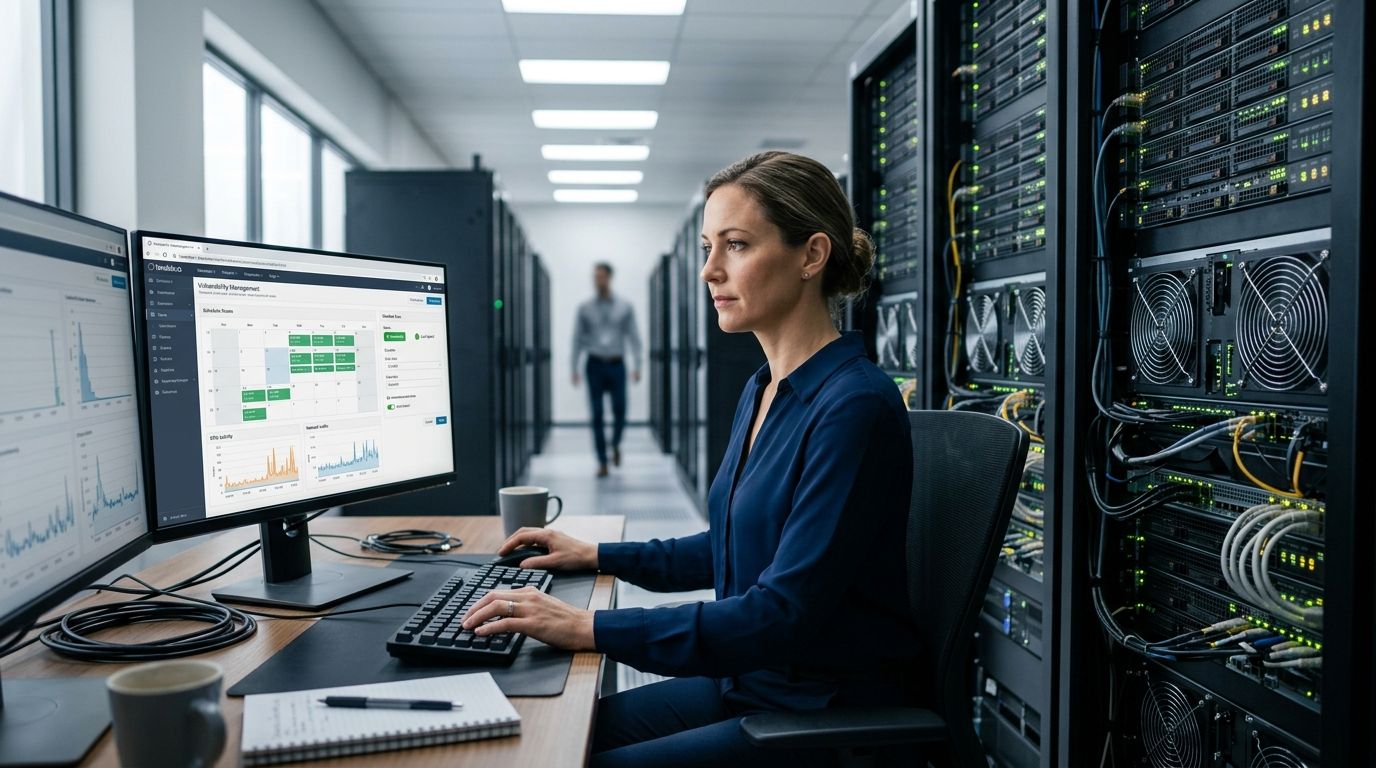
Production outages from vulnerability scanning almost always trace back to one mistake: running a full, unthrottled, uncredentialed scan against live infrastructure during business hours. The fix is scheduling by asset criticality and scan type, not by whatever slot is open on the calendar — off-peak windows for network scans, agent-based checks for always-on systems, and staggered waves so one bad scan doesn't take down a shared dependency.
- Schedule network vulnerability scans in defined maintenance windows and throttle scan concurrency to protect production traffic.
- Credentialed scans generate less network noise than uncredentialed scans but require tightly scoped service accounts.
- Stagger scans by asset tier so a single misconfigured scan job doesn't take down a shared dependency.
- Agent-based and API-based checks remove the scheduling problem entirely for containers and ephemeral cloud assets.
- Brinqa correlates results across scanners so staggered schedules don't create duplicate or conflicting remediation tickets.
Why this matters
A scan that crashes a production database or saturates a WAN link doesn't just cost uptime — it burns trust with the infrastructure team, and the next scan request gets stonewalled. In 2026, most security teams run 3-5 scanners across cloud, on-prem, and container environments, and scheduling conflicts between them are now a bigger operational risk than the vulnerabilities they're hunting for. Getting the schedule wrong once means renegotiating scan access for months.
The goal isn't scanning less. It's scanning in a way production teams stop noticing.
How do you schedule vulnerability scans without disrupting production?
Follow this sequence for any new scan target, whether it's a data center subnet or a cloud VPC:
- Classify the asset tier first. Tier-1 production systems get narrow maintenance windows and reduced scan intensity. Dev and staging get full-intensity scans anytime.
- Pick the right scan type for the asset. Network-based scans work for static infrastructure; agent-based or API-based checks work better for containers, serverless functions, and autoscaling groups that network scans miss entirely.
- Use credentialed scans wherever possible. Authenticated scans return deeper findings with far less network probing than uncredentialed scans, which brute-force service discovery and generate more traffic.
- Throttle scan concurrency and bandwidth. Cap simultaneous connections per target and set a maximum scan rate — most scanners expose this as a policy setting, and it's the single most effective lever against link saturation.
- Stagger by wave, not all-at-once. Scan a subnet or asset group, confirm no impact, then move to the next wave rather than firing every scanner at every target simultaneously.
- Coordinate with change management. Log the scan window in the same change calendar as deployments and patches so nobody mistakes scan traffic for an incident.
| Scan approach | Production impact | Best for |
|---|---|---|
| Uncredentialed network scan | Highest — heavy port/service probing | External-facing perimeter only |
| Credentialed network scan | Moderate — deeper checks, less probing | Servers, on-prem infrastructure |
| Agent-based scan | Lowest — local checks, no network scan traffic | Endpoints, containers, cloud workloads |
| API-based cloud scan | Low — reads config via provider API | AWS, Azure, GCP environments |
Network vulnerability scans
Network scans probe ports and services directly, which makes them the most likely to disrupt production. Verdict: schedule these in a fixed maintenance window, never ad hoc. Pair them with bandwidth throttling and confirm the target subnet's normal traffic baseline before the first run. Teams managing this across mixed environments often lean on guidance built for network security teams to set the window policy once and reuse it.
Authenticated (credentialed) scans
Credentialed scans log into the target with a scoped service account and read configuration directly instead of probing from outside. Verdict: use credentialed scans by default for internal assets — they return more accurate findings and touch the network far less than uncredentialed equivalents. The tradeoff is credential management overhead, which is worth the cost against fewer false positives.
Agent-based and API-based scans
For containers, Kubernetes clusters, and autoscaling cloud workloads, traditional network scheduling doesn't apply — the target may not exist by the time the scan window opens. Verdict: agent-based or API-based scanning removes the scheduling problem for ephemeral infrastructure entirely, since checks run continuously or on asset creation instead of on a calendar. This matters directly for CI/CD pipelines, where a build-time scan replaces the need for a production scan window altogether.
Why vulnerability scan timing varies
- Asset criticality — a customer-facing payment system tolerates far less scan disruption than an internal wiki.
- Scanner type — network scanners generate probe traffic; agents and API scanners generally do not.
- Compliance mandates — some frameworks specify minimum scan cadence, which forces scheduling around audit windows regardless of production sensitivity.
- Network bandwidth — a saturated WAN link during a scan looks identical to an outage from the application team's side.
- Change freeze periods — retail and finance environments often block all non-emergency scanning during peak seasonal windows.
- Scanner concurrency limits — running multiple scanners against the same subnet without coordination multiplies load unpredictably.
How often should you run vulnerability scans?
Most production environments scan weekly to monthly, with critical external assets scanned continuously or daily and internal assets on a monthly cycle at minimum. Compliance frameworks like PCI DSS set quarterly minimums, but that's a floor, not a target — attackers move faster than a quarterly cycle.
Should vulnerability scans run during business hours or after hours?
Network scans against production should run after hours or in a defined low-traffic window, while agent-based and API-based checks can run continuously regardless of business hours since they don't generate probe traffic. The distinction matters more than the clock time itself.
Can you scan production without any outage risk?
Yes, when scans are credentialed, throttled, and staggered by asset tier — the outage risk comes from unthrottled network probing, not from vulnerability scanning as a category. Agent-based coverage removes network scan risk from production entirely for the assets it covers.
Once scheduling is dialed in across scanners, the next problem is usually reconciling overlapping results — two scanners flagging the same host with different severity scores creates its own operational noise. Brinqa normalizes findings from every scanner into a single asset view, so a staggered schedule across tools doesn't turn into duplicate tickets for the same vulnerability. That's a data problem, not a scheduling one, but it shows up the moment scheduling gets solved.
“The outage risk comes from unthrottled network probing, not from vulnerability scanning as a category.”
Cut scan-related production risk
See how Brinqa correlates multi-scanner results without scheduling conflicts.
FAQ
How do you schedule vulnerability scans without disrupting production?
Schedule network scans in defined maintenance windows, use credentialed scans over uncredentialed ones, throttle scan concurrency, and stagger scans by asset tier. Agent-based and API-based scanning remove the scheduling problem for containers and cloud workloads.
What is the best time to run vulnerability scans?
Network scans against production run best during off-peak hours or a fixed low-traffic maintenance window. Agent-based and API-based scans can run continuously since they don't generate network probe traffic.
Do credentialed scans reduce production impact?
Yes, credentialed scans read configuration directly through a service account instead of probing services from outside, which generates far less network traffic than uncredentialed scanning.
How often should vulnerability scans run in 2026?
Most teams scan critical external assets daily or continuously and internal assets monthly at minimum. Compliance frameworks like PCI DSS set a quarterly floor, not a recommended cadence.
Can vulnerability scanning cause an outage?
Yes, unthrottled or uncredentialed network scans can saturate bandwidth or crash fragile services. Throttling scan concurrency and staggering by asset tier is the standard mitigation.
Should you scan containers the same way as servers?
No. Containers and autoscaling workloads are often gone before a scheduled network scan window opens, so agent-based or API-based scanning replaces calendar-based scheduling for these assets.
What's the difference between agent-based and network vulnerability scans for scheduling?
Network scans probe from outside and need a defined maintenance window; agent-based scans run locally on the asset and can operate continuously without a scheduling conflict.
How do you coordinate vulnerability scans with change management?
Log every scan window in the same change calendar used for deployments and patches. This prevents scan traffic from being mistaken for an incident and keeps infrastructure teams from blocking future scan requests.
One last thing
The scanning schedule that works in January rarely survives a cloud migration or a new Kubernetes rollout unchanged — the biggest source of production disruption in 2026 isn't a bad window, it's a stale asset inventory that still points network scans at infrastructure that's already been replaced by ephemeral, agent-covered workloads. Revisit the schedule every time the environment shifts, not on a fixed annual review.