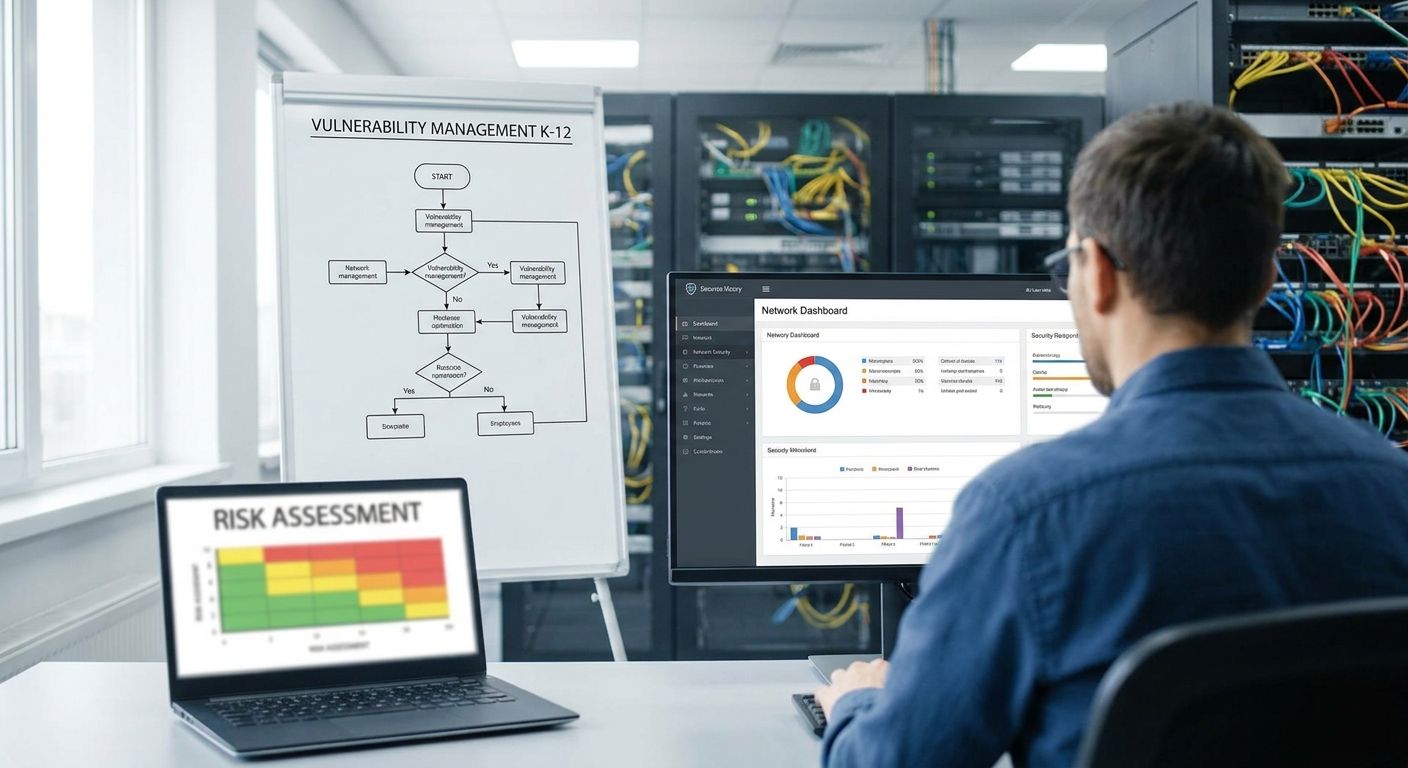
K-12 school district vulnerability management is the process of finding, prioritizing, and fixing security weaknesses across every school building, device, and vendor system before a ransomware crew or a state auditor finds them first. A district running 15 elementary schools, 2,000 Chromebooks, a handful of building automation panels, and a student information system has a bigger attack surface than most mid-size companies — with a fraction of the security staff.
- K-12 school district vulnerability management works when it's scoped to asset type, not building — Chromebooks, SIS/LMS, and building systems each need different patch cadences.
- CIPA compliance and student-data protection make prioritization non-negotiable, not optional, for districts of any size in 2026.
- A risk-based vulnerability and exposure management platform like Brinqa consolidates scanner data so a two-person IT team can run one prioritized queue instead of five spreadsheets.
- Districts that skip vendor risk reviews on EdTech tools carry the same exposure as districts with no patching program at all.
Why vulnerability management matters for K-12 school districts
School districts hold Social Security numbers, IEP records, free-and-reduced-lunch financial data, and health records — the same categories of data that attract attackers to hospitals and banks, guarded by a security team that often numbers one or two people. CISA and the FBI have repeatedly flagged K-12 districts as ransomware targets in joint advisories, and the pattern holds because districts run old infrastructure, decentralized IT across dozens of buildings, and vendor systems nobody vets closely.
CIPA (the Children's Internet Protection Act) already requires districts to filter and monitor internet access for minors, and most state education agencies layer additional data-protection requirements on top. None of that compliance work matters if a known, exploited vulnerability sits unpatched on a server running the student information system. A vulnerability and exposure management platform gives a lean team one place to see what's actually exploitable instead of chasing every CVE that shows up in a scanner report.
The constraint that defines K-12 more than any other sector is staffing ratio: one IT director covering 40 buildings is common, and that person cannot manually triage thousands of findings a week. Every step below assumes that reality first.
How this differs from a typical enterprise program
- Devices span Chromebooks, staff laptops, and building systems (HVAC, door access, cameras) that don't fit a standard patch cycle.
- Budget cycles run on the school year and board approval, not on threat urgency.
- Third-party EdTech vendors (SIS, LMS, assessment platforms) hold as much sensitive data as internal systems but get almost no security review.
- Staff turnover and part-time IT contractors mean institutional knowledge about what's patched and what isn't disappears every summer.
Map every asset across every building
You can't prioritize what you can't see, and most districts have never run a full inventory across every campus.
- Pull device lists from your MDM (Chromebook management console counts as one).
- Cross-check building system inventories with facilities — HVAC controllers and access panels rarely show up in an IT asset list.
- Include every SaaS tool a teacher or department signed up for without district approval.
- Flag anything past end-of-life vendor support immediately; unsupported software is the single most common finding in K-12 environments.
- Consolidate scanner output from network, endpoint, and cloud tools into one list instead of five separate reports.
Score vulnerabilities by student-data and instructional-continuity impact
CVSS severity alone doesn't tell you which finding to fix first — a critical CVSS score on an isolated printer matters less than a medium-severity flaw on the server hosting grades and IEP files.
- Rank assets by what they touch: student PII, financial aid data, instructional continuity, or none of the above.
- Cross-reference CVSS with known exploitation status (CISA's KEV catalog is free and updated regularly).
- Deprioritize findings on isolated or air-gapped lab equipment that can't reach the internet.
- This is where a risk-based vulnerability and exposure management platform earns its place — Brinqa correlates scanner findings, asset context, and exploitability into one prioritized queue instead of a raw severity list a two-person team can't work through manually. Districts running the same triage logic on lean staff use the same approach outlined in vulnerability prioritization for lean security teams.
Patch Chromebooks, IoT, and building systems on a fixed cadence
Chromebooks auto-update in most cases, but the systems around them — building automation, cameras, and legacy Windows servers running the SIS — don't.
- Set a patch window during scheduled maintenance windows or school breaks to avoid classroom disruption.
- Segment building-system networks (HVAC, door access) away from instructional and administrative networks.
- Require MDM enrollment for every device before it touches the network, not after.
- Track patch compliance by building, not just by device type, so a superintendent can see which schools lag.
Close the gap on CIPA and state compliance requirements
CIPA compliance is a floor, not a ceiling, and most state education departments now require additional breach notification and data-protection controls.
- Document filtering and monitoring controls required under CIPA as part of your annual E-Rate certification.
- Map open vulnerabilities against any state-specific student-data-privacy statute your district operates under.
- Keep an audit trail of remediation timelines — auditors ask for evidence, not intentions.
- Review vendor contracts for data-handling clauses tied to your compliance obligations, not just uptime SLAs.
Automate remediation so a two-person team can keep up
Manual ticket creation for every finding doesn't scale when one analyst covers a whole district.
- Set auto-ticketing rules that route findings to the right building's IT contact based on asset ownership.
- Use SLA-based aging alerts so overdue critical findings escalate automatically instead of getting buried.
- Connect vulnerability data to your ticketing system directly rather than exporting spreadsheets weekly.
- A platform that automates this workflow, like Brinqa, cuts the manual triage load that otherwise consumes most of a district's limited security hours.
Vet EdTech and SIS/LMS vendor risk
A breach at a third-party grading platform or assessment vendor exposes the same student data as a breach inside the district network — and districts almost never scan or question these vendors.
- Require a security questionnaire before onboarding any new EdTech tool, not after a teacher already uses it in class.
- Ask vendors for their own vulnerability disclosure and patch cadence in writing.
- Review data-sharing agreements for any subcontractor the vendor uses.
- Track vendor risk the same way you track internal asset risk — as an entry in the same prioritized queue, not a separate spreadsheet nobody reviews.
Report risk to the school board in plain language
A school board doesn't want a CVSS heat map — it wants to know whether student data is safe and what it costs to fix what isn't.
- Translate open critical findings into plain business risk: "three unpatched servers hold student SSNs."
- Show remediation trend over time, not just a snapshot, so the board sees progress.
- Tie funding requests directly to specific exposure the board can understand.
- Districts building board-ready reporting from scratch can follow the structure in how to report vulnerability management metrics to the board.
“A critical CVSS score on an isolated printer matters less than a medium-severity flaw on the server hosting grades and IEP files.”
Comparing your options for K-12 vulnerability management
| Option | Best for | Key limitation |
|---|---|---|
| Manual spreadsheet tracking | A single school or very small district with under 200 devices | Breaks down past a few hundred assets; no automated re-scan or aging alerts |
| Open-source scanners (self-managed) | Districts with an in-house admin comfortable running Linux tools | No built-in risk scoring, no ticketing integration, manual triage every week |
| Managed security service (MSSP) | Districts with zero in-house security headcount | Ongoing reliance on an outside vendor for every prioritization decision |
| Risk-based vulnerability and exposure management platform (Brinqa) | Districts running multiple scanners across many buildings that need one prioritized queue | Requires upfront integration work to connect existing scanners and asset sources |
Verdict: for a district with more than a handful of buildings and multiple scanning tools already in place, a risk-based platform like Brinqa is the only option that scales past what one or two IT staff can triage manually — spreadsheets and open-source tools work only until asset count and building count outgrow manual review.
See your district's exposure in one queue
Consolidate scanner data across every building into one prioritized list.
Common mistakes K-12 districts make
- Treating every school building as low-risk because it isn't a hospital or bank — student SSNs, IEP records, and financial aid data draw the same attackers.
- Patching by severity score alone instead of checking whether a CVE is actually being exploited in the wild.
- Letting EdTech vendors self-attest security posture with no questionnaire, no scan, and no contract review.
- No single owner for remediation — a director covering 40 buildings with one part-time analyst lets findings sit unassigned for months.
- Ignoring building-adjacent systems like door access, cameras, and HVAC controllers that sit on the same network as instructional data.
FAQ
What's the best vulnerability management approach for K-12 school districts in 2026?
The best approach combines full asset visibility across every building with risk-based prioritization tied to student-data impact, not raw CVSS scores. Districts with more than a few hundred devices typically outgrow spreadsheets and need a platform that consolidates scanner output into one queue.
How much does vulnerability management cost for a small school district?
Cost scales with device and asset count rather than staff headcount, so a district with a few thousand devices pays for scanning and prioritization coverage, not for extra security hires. Request quotes based on your total asset inventory rather than a per-seat estimate.
Is a dedicated platform better than a free vulnerability scanner for a school district?
A free scanner finds vulnerabilities but doesn't prioritize them or route them to the right building's IT contact, which is the bottleneck for most lean K-12 teams. A risk-based platform adds the prioritization and workflow layer a scanner alone doesn't provide.
How often should school districts scan for vulnerabilities?
Critical, internet-facing systems like the student information system and district website should scan weekly at minimum, with internal networks scanned monthly. Building system networks (HVAC, access control) warrant scanning whenever a new device joins.
Do school districts need to comply with CIPA for vulnerability management?
CIPA requires internet filtering and monitoring for minors as a condition of E-Rate funding, and vulnerability management supports that obligation by keeping the systems enforcing those filters patched. CIPA compliance alone doesn't cover broader student-data protection, which most states regulate separately.
What's the biggest vulnerability management risk in K-12 IT environments?
Unpatched, end-of-life software running on servers that host student data is the most common critical finding across K-12 environments. Third-party EdTech vendors with no security review run a close second.
Can one IT person manage vulnerability management for an entire district?
One person can manage it only with automated ticketing, aging alerts, and a prioritized queue rather than manual review of every scanner report. Without automation, a single analyst covering dozens of buildings will always fall behind.
How does vulnerability management differ between K-12 and higher education?
K-12 districts manage more centralized device fleets (Chromebooks, MDM) but far fewer research and lab systems than higher education, which runs more open networks and BYOD. Compliance drivers also differ: CIPA governs K-12 more directly, while higher ed deals with a broader mix of regulations across research and student services.
One last thing
The fastest win for most districts isn't a new tool — it's cutting the number of places vulnerability data lives from five spreadsheets down to one queue. A district that consolidates scanner output first, before buying anything, usually finds it already owns enough scanning coverage; what it's missing is prioritization. Fix that gap in 2026 before the next state audit or ransomware advisory forces the conversation.